AllSmiles app icon

The group photo you wanted, finally.

You already take multiple shots. When each one has a blink or awkward look, AllSmiles helps you combine the best expression for each person into one natural final photo.

Not a gimmick face swap. Built for real group-photo fixes with an original-resolution final photo.

Fix blinks fast 2-8 photos in 1 final photo out Original-resolution final photo On-device processing

Real examples from real group moments

Family trip, birthday table, friends night out. Multiple attempts in, one final photo out.

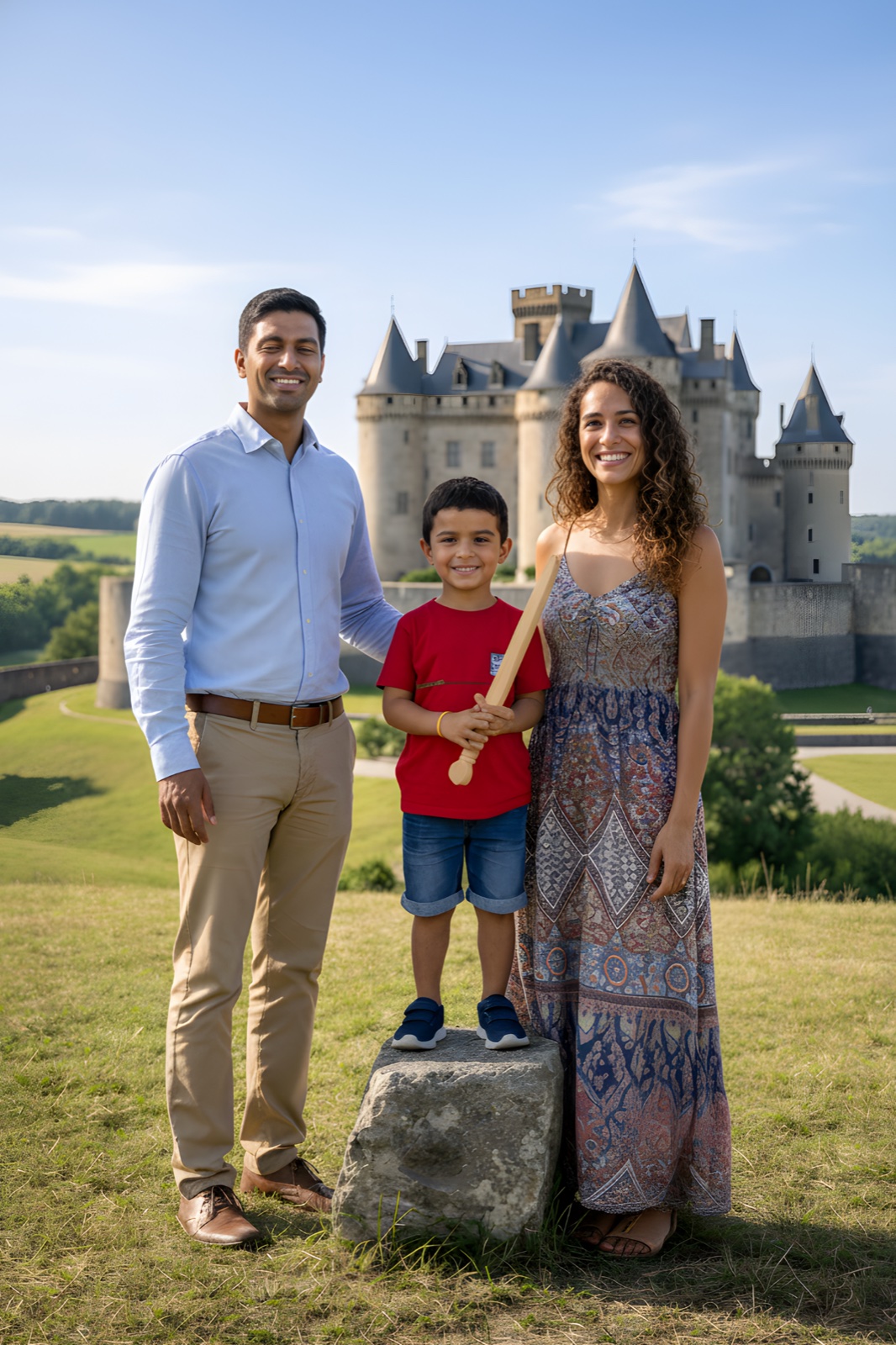
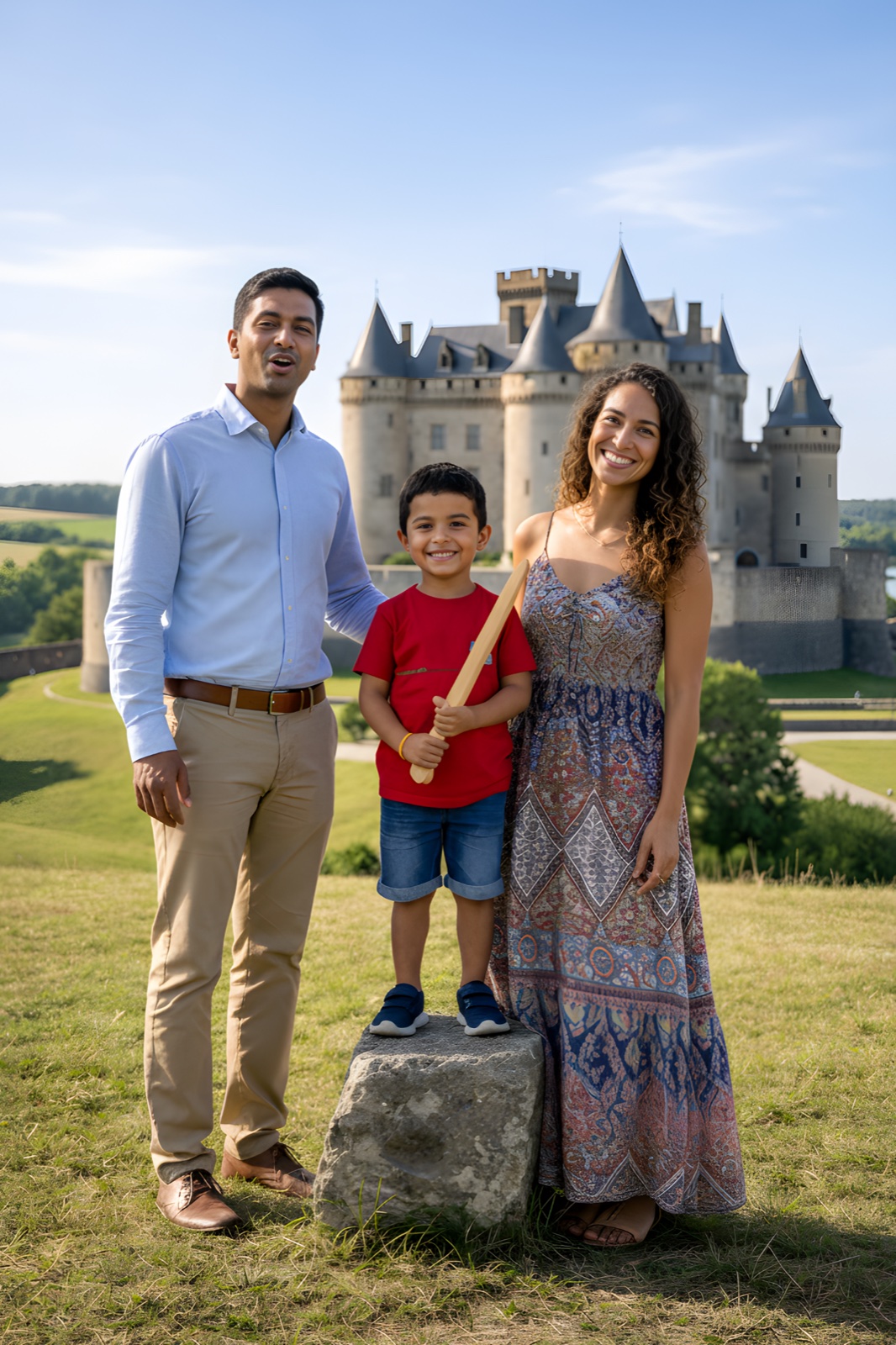
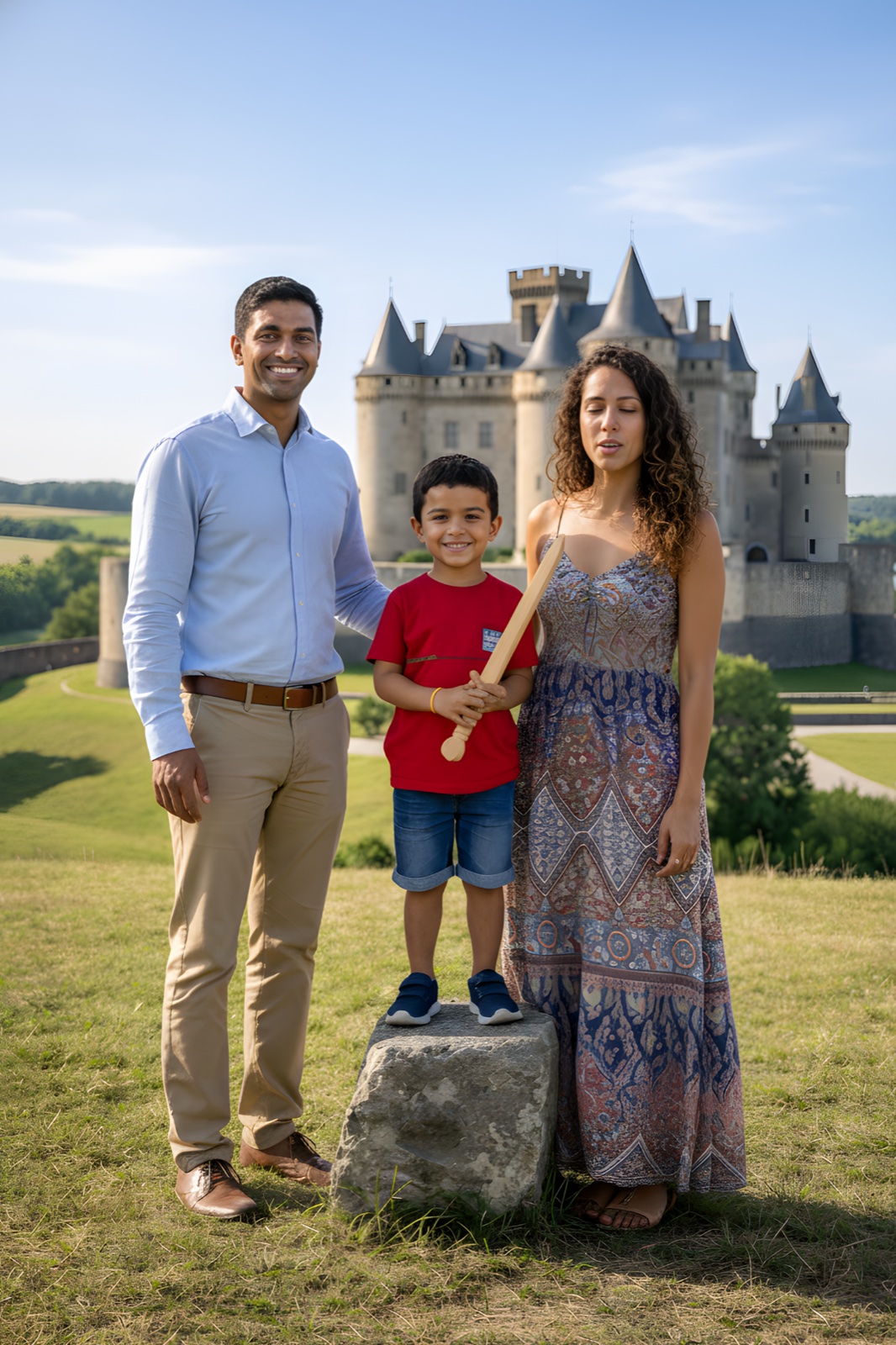
Family day trip source photo 1 Family day trip source photo 2 Family day trip source photo 3
Family day trip - final merged photo
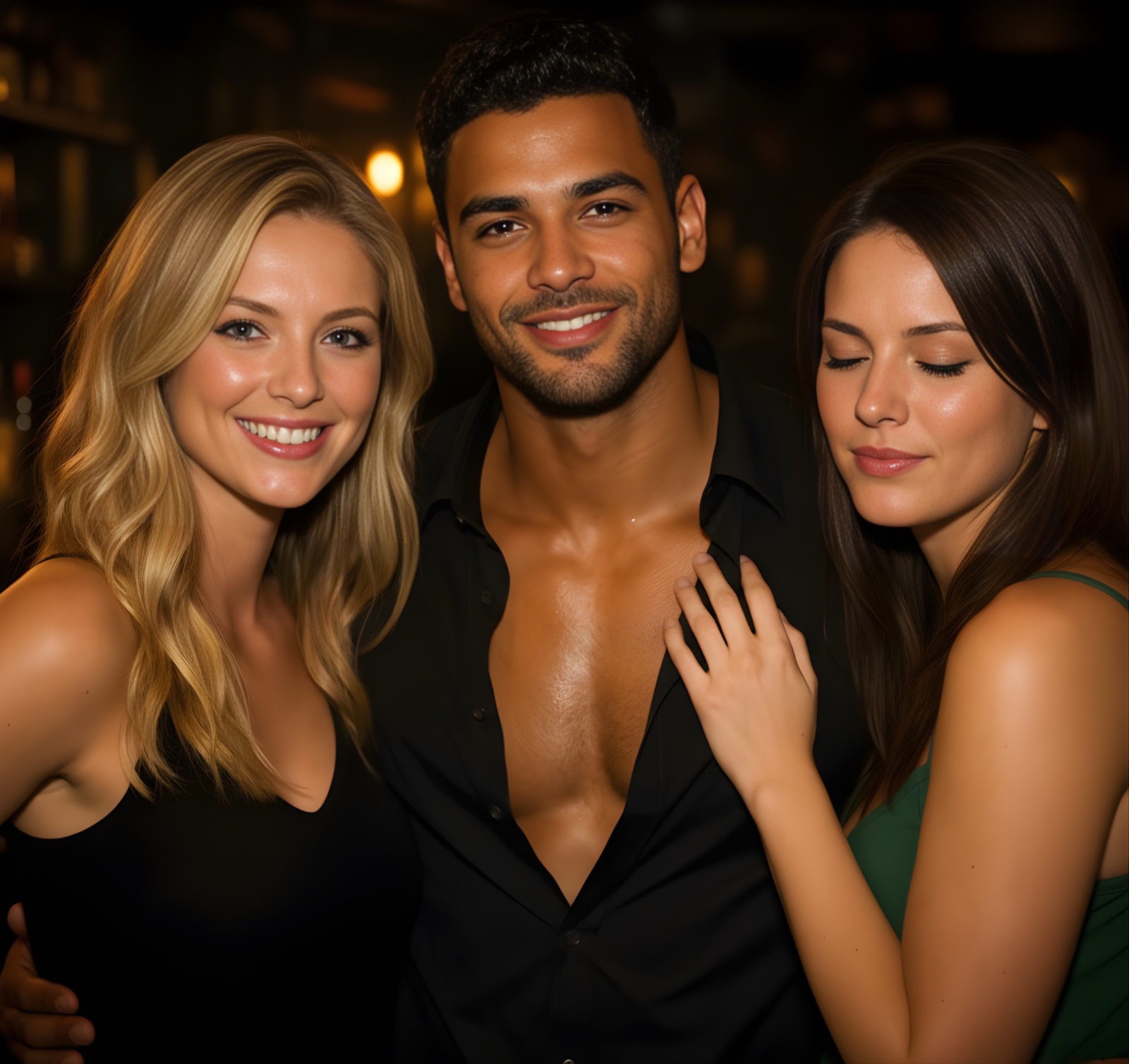
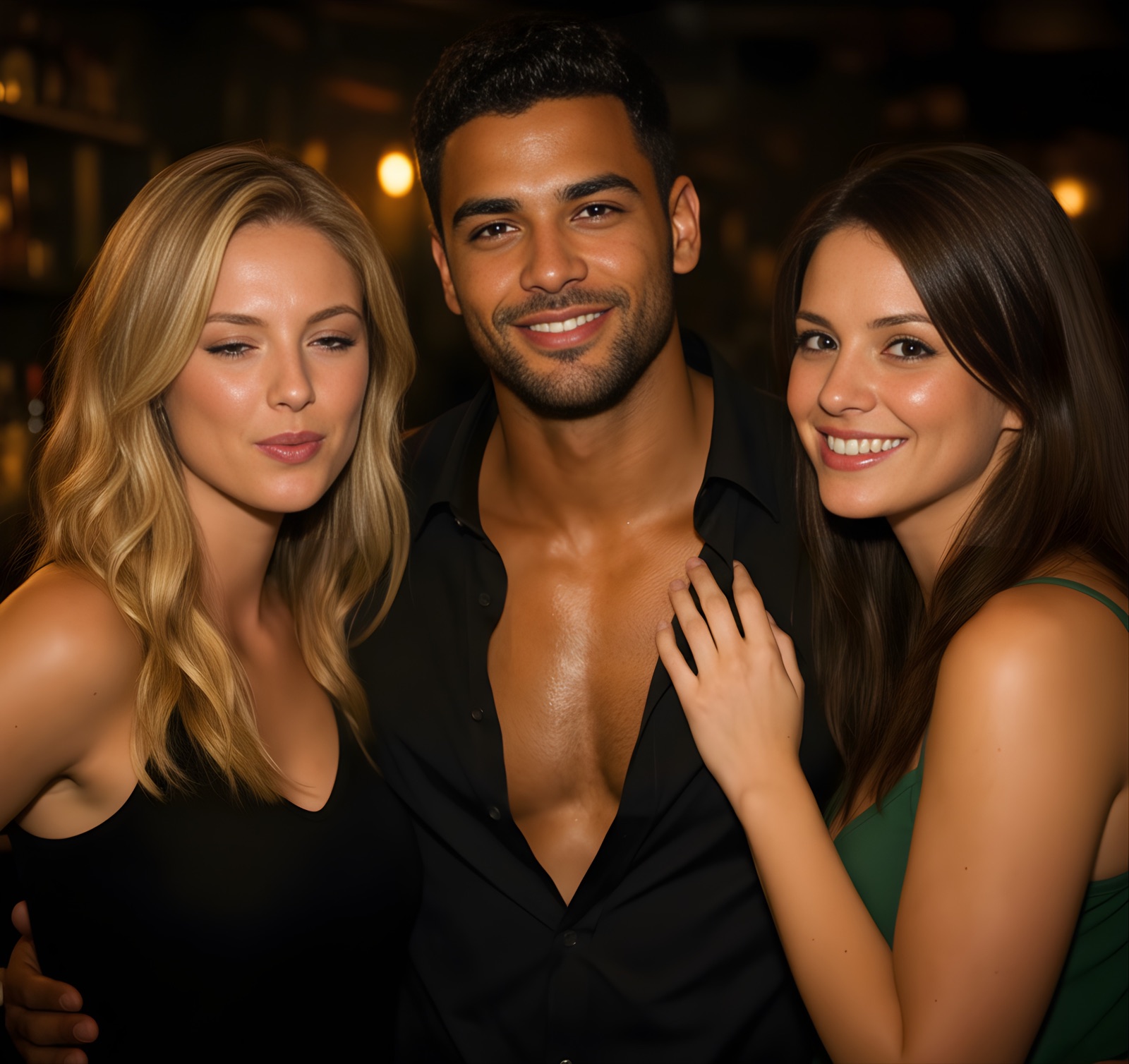
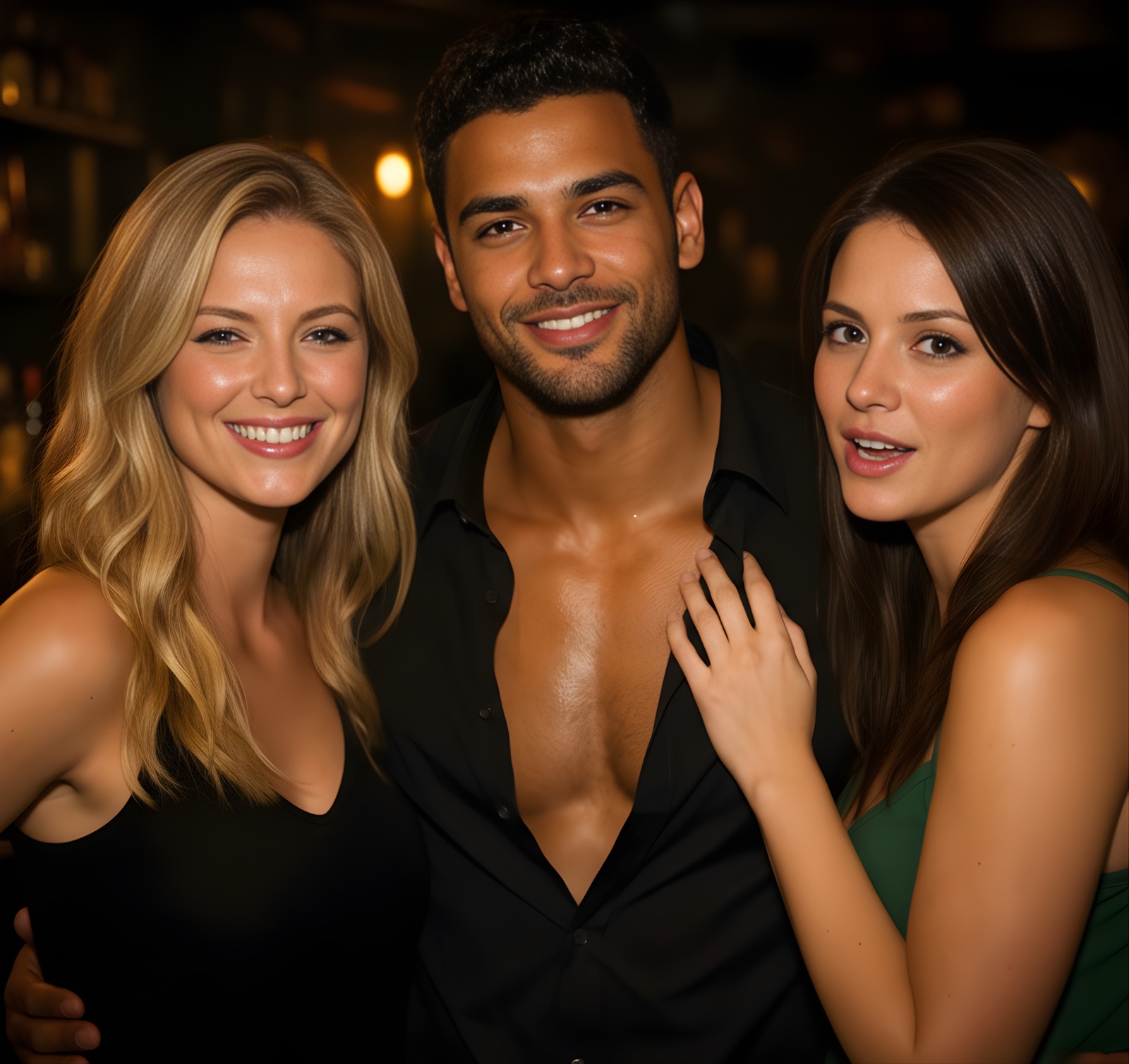
Friends night out source photo 1 Friends night out source photo 2 Friends night out source photo 3
Friends night out - final merged photo

How it works

Built for the exact moment when one person blinks or looks away in every shot.

Step 1

Select photos

Choose 2 to 8 photos from the same moment.

Step 2

Pick best expressions

Tap each person and choose their best look.

Step 3

Share your final photo

Save one natural final photo at your main photo's original resolution.

Quality notice: If a suggested face looks off, keep the original face or choose another source photo. You stay in control.

Why people choose AllSmiles

No quality drop in the final photo

Many AI tools downscale output. AllSmiles keeps your final photo at your main photo's original resolution.

Natural group-photo results

Designed for blink and expression fixes in near-identical shots, not fake-looking face effects.

Private by default

Processing stays on your iPhone. Photos are not uploaded for editing.

Fast, guided workflow

Face-by-face choice with a clear preview before sharing.

Focused on natural group-photo corrections, not gimmicky face swaps.

Try the full edit flow first

Complete the photo selection, face choices, and preview before deciding. Share your final photo anytime with a one-time in-app purchase that gives permanent access to sharing.

This purchase supports Family Sharing in the App Store, so eligible family members can use the same share feature.

FAQ

Does AllSmiles reduce image quality?

No. Your final photo keeps the original resolution of your main photo.

Are my photos uploaded?

No. Editing is processed on-device on your iPhone.

When does it work best?

Use 2-8 photos from the same moment, with similar framing and lighting.

Can some suggested fixes look distorted?

Sometimes, yes. Differences in angle, lighting, motion, or occlusion can create unnatural results. If that happens, choose another suggestion or keep the original face.

Stop retaking. Keep the moment.

Turn multiple group attempts into one final photo where everyone looks good.

Coming soon

The App Store page is in preparation.